 New
NewLightroom Presets
CT Photoshop & Lightroom LUTs & Presets
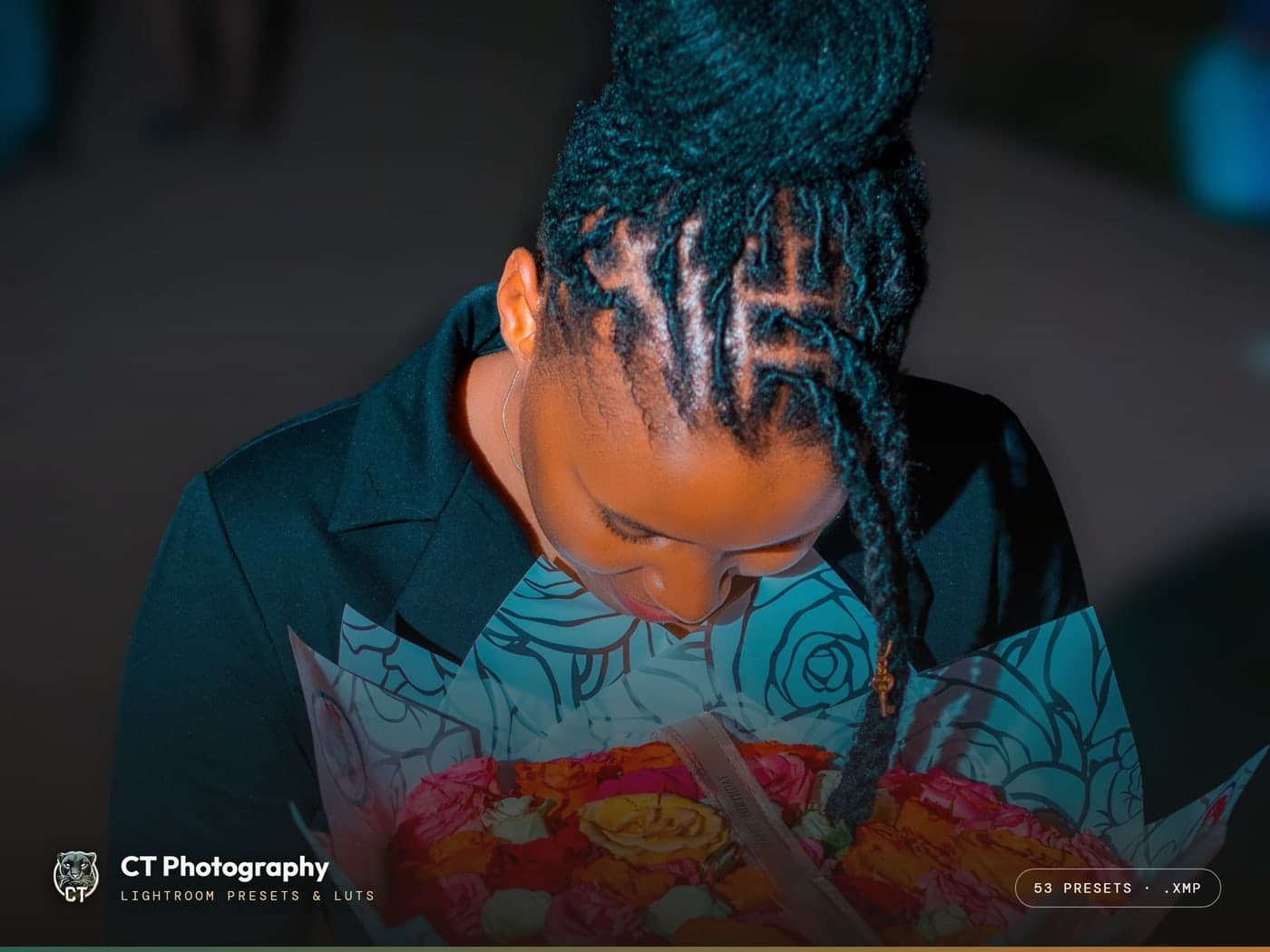
53 of my working Lightroom presets plus LUT profiles — the exact grades behind my portraits, weddings and night work, for $9.99.
$9.99
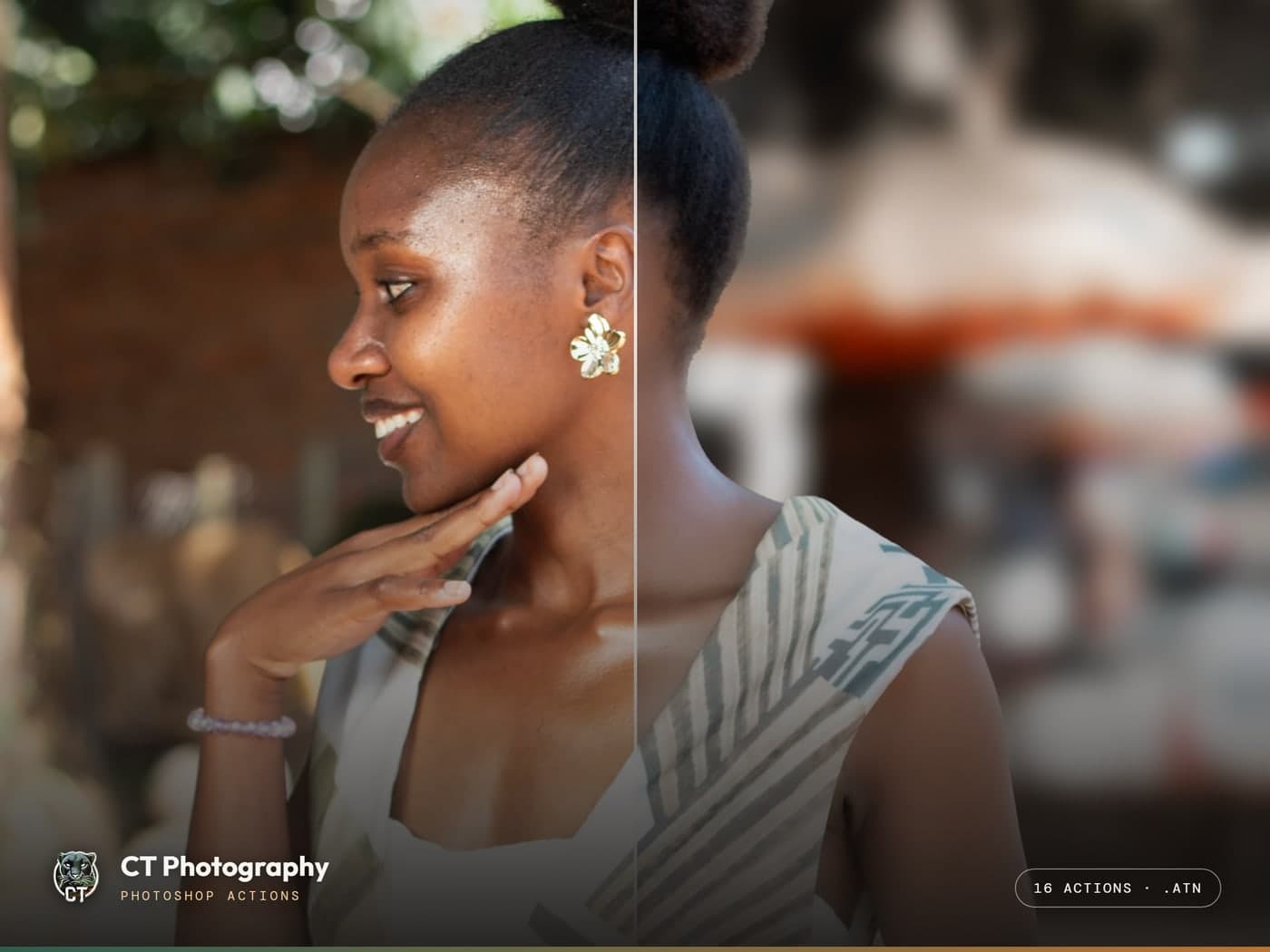


Drag to compare — the raw file against this pack applied.

Photoshop Actions
16 of my working Photoshop actions — frequency-separation retouch, colouring, capture looks and sharpening — for $7.99.
 Secured by IntaSend Payments
Personal & commercial use on your own client work and social channels. You may not resell, redistribute, or share the files. One license covers one creator.
The Photoshop side of my workflow, exported as 16 ready-to-play actions (.atn): frequency-separation skin retouch, lasso retouch, my colouring and capture grades, and a one-click sharpen + noise-reduction finisher. Load them once via Window → Actions → Load Actions, then press play — the same one-click retouches behind the before/afters in my Editing Lab.
Yes — presets ship in both .xmp and profile formats for current Lightroom (CC & Classic). LUTs are standard .cube files that load in any modern editor.
Instantly. Once checkout is live you'll get an immediate download link plus an emailed receipt; free lifetime updates to the pack are included.
Because these are instant digital downloads, sales are final — but reach out on WhatsApp if anything doesn't work and we'll make it right.
New53 of my working Lightroom presets plus LUT profiles — the exact grades behind my portraits, weddings and night work, for $9.99.
 Bundle
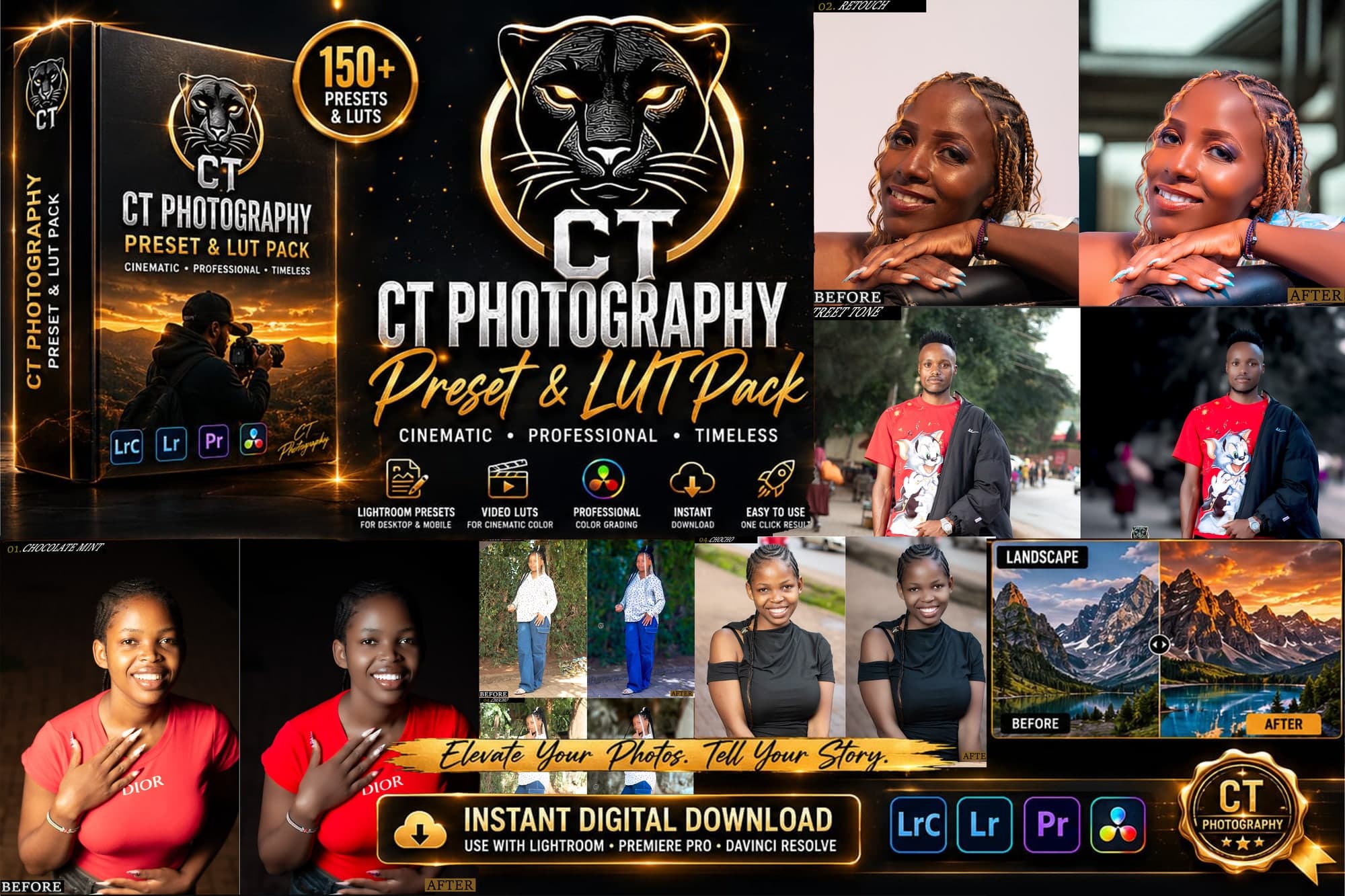
Everything I edit with — 50 Lightroom presets, 16 Photoshop actions and 3 Premiere Pro presets in one download.